Digital Pacifier Dependency: Evidence Based Guide for Parents
Screen Time, Behaviour & Emotional Skills (Singapore)
Digital Pacifier Dependency (Ages 0–12): What It Is, Why It Happens, and What To Do
Simple definition: Digital pacifier dependency is when screens become a child’s main tool to calm down, cope with frustration/boredom, or transition—so that without a device, daily routines feel harder.
Key idea: The goal is not “zero screens.” It’s helping your child build real self-regulation skills so the screen is no longer the only solution.
Quick self-check: signs of digital pacifier dependency
Common signs
- “Need phone/tablet” to stop crying, tantrums, whining, or fighting.
- Meltdowns happen mainly at transitions (bath, meals, leaving the house, bedtime) unless a screen is offered.
- Child struggles with boredom: “I’m bored” -> immediate request for device.
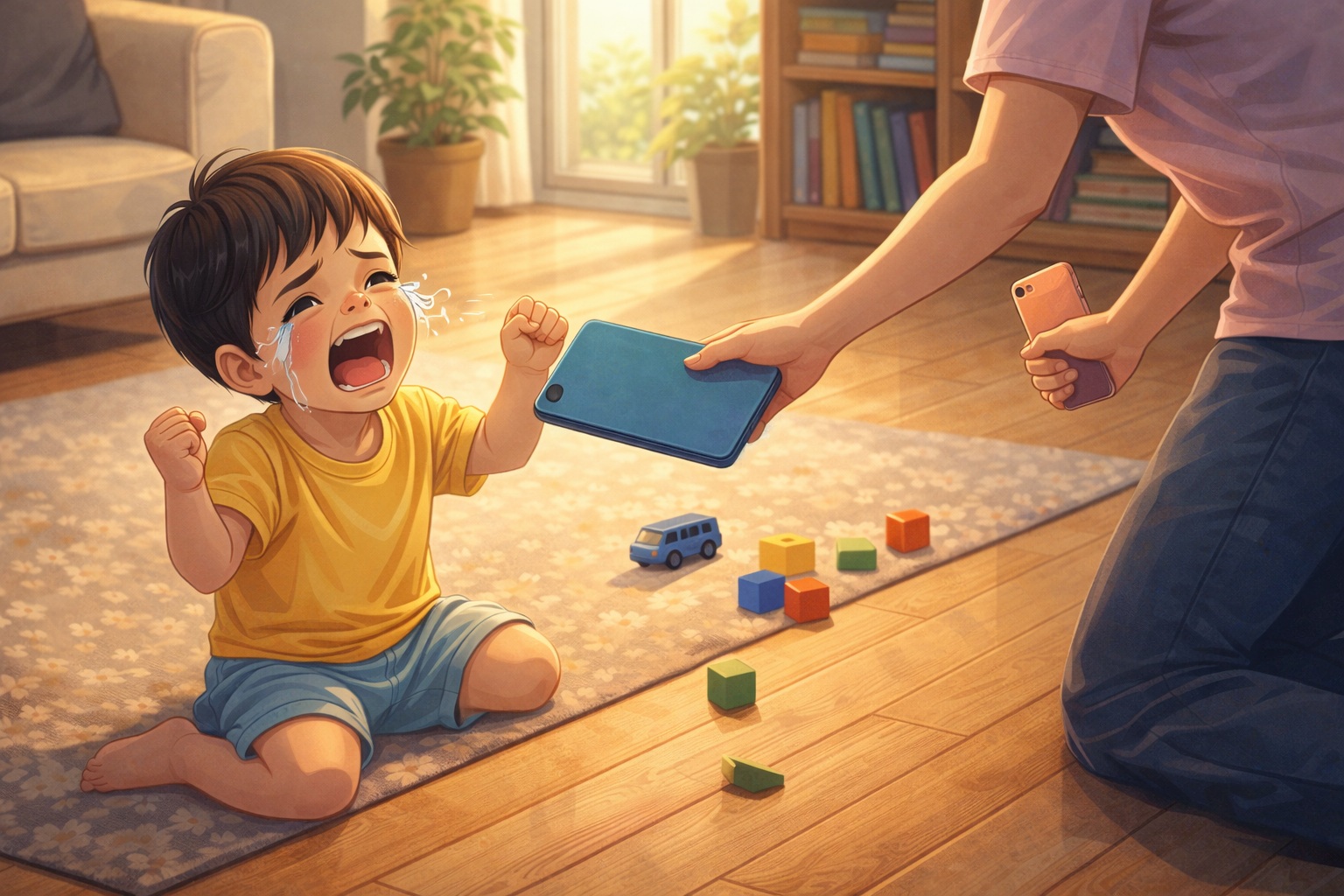
- Screen removal triggers big anger/frustration, even after short use.
- Family routines are increasingly built around screens (meals, car rides, queueing, bedtime).
Green flags (healthy use)
- Child can calm with other tools (cuddles, breathing, drawing, play).
- Screens have clear “when/where” boundaries and predictable off-time.
- Child transitions with a routine (timer + choice) without needing a device.
- Mealtimes and bedtime are mostly screen-free.
Why dependency forms (science, made simple)
1) Screens work fast (so the brain learns: “this is the fix”)
When a child is upset, a screen can quickly shift attention away from the emotion. That immediate relief is powerful reinforcement—for the child and for exhausted parents.
2) Less practice with real calming skills
Emotional regulation is like a muscle: kids need repeated practice with small disappointments, supported by an adult, to build coping skills (naming feelings, waiting, problem-solving). If screens always remove discomfort, kids may get fewer chances to practice.
3) Transition + friction points
Many families reach for screens during “high-friction” moments: hawker queues, Grab rides, supermarket trips, post-school fatigue, or while parents cook. Over time, the child learns to expect a device at those moments.
4) Design features can make stopping harder
Some apps/videos are built for “just one more” with autoplay, endless feeds, and fast rewards. This can make turning off feel like a sudden loss—especially for younger kids with developing impulse control.
What the evidence suggests (in plain language)
- Longitudinal research in preschoolers links early tablet use with later anger/frustration, and shows a possible “cycle” where more anger can also lead to more tablet use later.
- Research on using devices specifically to regulate a child’s emotions (a “digital pacifier” approach) suggests it may be associated with poorer development of self-regulation skills over time.
- Singapore MOH/HealthHub guidance explicitly advises: do not use screens just to occupy or distract your child, and avoid screens during meals and one hour before bedtime.
Bottom line: Screens can be a useful tool sometimes, but relying on them as the primary calming method may increase long-term stress for both child and parent. The goal is a balanced plan: less “screen as a soothing reflex,” more skill-building.
What to do by age (0–12)
Ages 0–18 months: build regulation through people, not screens
- Best “digital pacifier replacement”: co-regulation (hold, rock, sing, gentle voice, routine).
- Use movement: walk, stroller, carrier, change of environment.
- If you need hands-free time: try a safe play station (soft toys, textured books) near you.
- Guidance commonly discourages screen exposure for this age, except for interactive video chat.
Ages 18 months–6 years: teach a simple calming toolbox
3-step “Calm Coach” script
- Name it: “You’re angry/sad. You really wanted that.”
- Guide it: “Let’s do 3 slow breaths / squeeze your hands / hug.”
- Solve it: “Do you want Choice A or B?”
Go-to replacements (pick 3)
- Sticker book / small “busy bag”
- Snack + water (if appropriate)
- Audio story / calm music (no video)
- Colouring / doodle pad
- Playdough / fidget toy
- Outdoor “reset”: 5-minute walk
Ages 7–12 years: move from “control” to “skills + agreements”
- Co-create a simple family rule: “Screens are not for calming big feelings.”
- Teach a 2-minute reset routine: water + breathing + talk + short task.
- Use “if-then” plans: If you feel angry, then you can choose (music / journal / push-ups / quiet corner) before any screen.
- Keep boundaries around sleep: screens off before bed, and devices out of bedrooms when possible.
A step-by-step weaning plan (busy-parent friendly)
Step 1: Choose your “One Moment”
Pick one high-friction moment to go screen-free for 7 days: dinner, first 15 minutes after school, bath time, or bedtime wind-down.
Step 2: Preload a replacement routine
Example (post-school): snack + water (5 min) -> chat (2 min) -> choice: Lego / drawing (10 min) -> then screen if you planned it.
Step 3: Use a timer + predictable ending
- Before starting a screen: “You have 10 minutes. When the timer rings, it’s off.”
- At 2 minutes: “Two-minute warning. What’s your last thing?”
- At end: “Timer rang. Off. Do you want A or B next?”
Step 4: Expect a short-term protest spike (and stay calm)
When you remove a habit that “worked,” kids often protest more for a few days. That doesn’t mean the plan failed—it often means the habit is changing.
Step 5: Upgrade from “screen to stop crying” to “screen after skills”
Rule of thumb: Comfort first, skills second, screens last (if planned). Try: “We can watch later. First we calm our body. Choose: breaths or hug?”
Singapore-friendly screen habits (quick reminders)
- Don’t use screens just to occupy or distract children, especially young ones.
- Avoid screens during meals and one hour before bedtime.
- Keep recreational screen time within age-appropriate limits (outside schoolwork) and choose age-appropriate content.
- Make “screen-free zones” (dining table, bedrooms) and “screen-free times” (bedtime routine) predictable.
Parent tip: In Singapore, friction moments often happen in queues, public transport, and after childcare/school. Keep a tiny “outdoor calm kit” (snack, small toy, sticker book) in your bag so screens aren’t the only option.
FAQ
Is digital pacifier dependency harmful for every child?
Not every child will have long-term problems, and occasional use isn’t “ruining” anything. The concern is frequent reliance—when screens become the main way a child calms down or transitions.
My child only melts down when I take the device away. What now?
Start with shorter screen sessions + a timer, offer a choice immediately after turning off, and keep the next activity ready. Consistency usually reduces the intensity over time.
What if I truly need screens sometimes (cooking, meetings, younger siblings)?
Use them strategically: planned time, clear duration, high-quality content, and not as the first response to distress. If your child is upset, try a 2-minute calming routine first, then decide.
Does “educational content” solve the problem?
Quality helps, but dependency is about the function (calming/soothing) more than the content. Even educational videos can become a “digital pacifier” if used mainly to stop feelings.
When should I seek professional advice?
If screen conflicts are severe, your child’s sleep is persistently disrupted, there are major school issues, or you’re worried about anxiety, attention, or behaviour that feels unmanageable—consider discussing with a paediatrician or child professional.
It takes a village to raise a child !
Join our WhatsApp Groups or Facebook Group to interact with parents about infant care/child care in Singapore..
Subscribe to Our Newsletter to get important information about pregnancy and parenting.