
What To Do If Your Child Spends Too Much Time on Screens
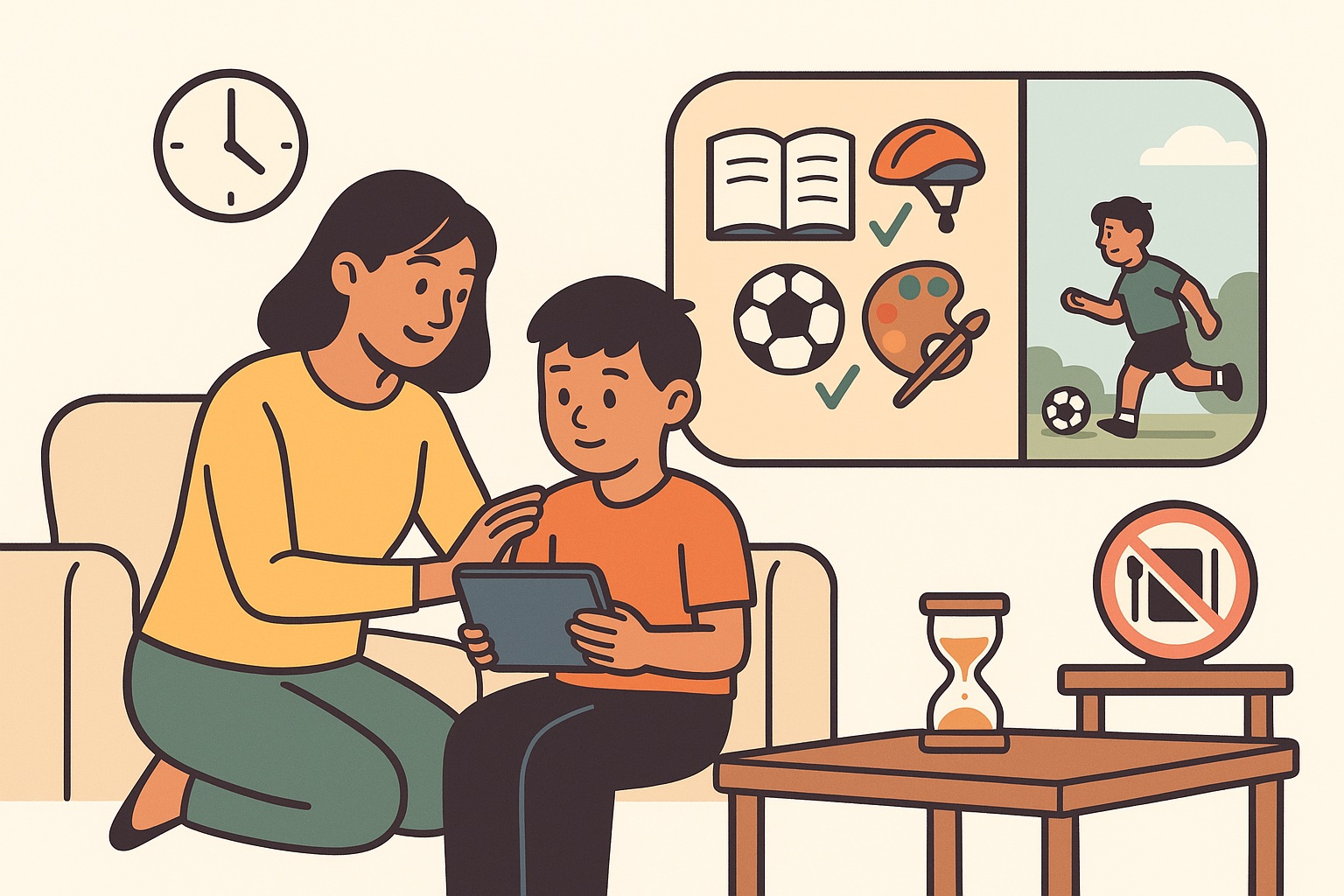
What To Do If Your Child Spends Too Much Time on Screens
Screens support learning and connection, but excessive use can affect sleep, mood, schoolwork, and family relationships. Too much screen time does not automatically mean addiction, but it is a sign your child needs help building healthier habits.
1. Stay calm, observe, and reflect
Avoid reacting with anger or sudden punishment. First, identify patterns:
- When is use highest.
- Which apps or activities drive time: gaming, social, passive scrolling.
- What is being displaced: sleep, homework, family time, offline friends.
- Whether your child is using screens to avoid stress, boredom, or difficult feelings.
Understanding comes before limits. Patterns guide solutions.
2. Talk with your child, not at them
Choose a calm time. Start with curiosity and validation. Example:
I noticed you have been online a lot. What do you enjoy most about it
Ask open questions and listen:
- What makes this game or app fun
- How do you feel after using it . energized, tired, upset
- What would be hard about reducing time
3. Agree on clear, realistic limits
Rules work best when children help set them. Examples:
- Homework and chores first, then screens.
- 1 to 2 hours of recreational screen time per day, depending on age and needs.
- No screens during meals.
- No screens 60 minutes before bedtime.
Use built in tools: Apple Screen Time, Android Digital Wellbeing, and Google Family Link.
Tip: Start small. Reducing 4 hours to 3 hours is progress.
4. Change the environment
- Keep devices out of bedrooms. Charge in shared spaces.
- Turn off autoplay and disable unnecessary notifications.
- Place books, art supplies, sports gear, and board games where they are visible.
5. Provide alternative activities
Offer engaging substitutes for boredom and loneliness:
- Outdoor play and sports.
- Arts and crafts, music, baking.
- Board and card games, reading challenges.
- Family routines: library trips, weekend cycling, game night.
6. Use gradual reduction
Sudden bans create conflict. Phase changes in over weeks:
- Week 1: reduce by 30 minutes.
- Week 2: no screens during meals.
- Week 3: no screens 60 minutes before bedtime.
Celebrate small wins.
7. Link screens to responsibilities
Treat screens as a privilege earned by completing priorities:
- Homework done.
- Chores completed.
- Reading or outdoor activity finished.
8. Model healthy screen habits
- Put phones away during meals.
- Stop personal screens 60 minutes before bed.
- Say it out loud: I am putting my phone away so I can focus on family time.
9. Watch for warning signs
- Strong distress or anger when devices are removed.
- Sleep loss, late night secret use, daytime fatigue.
- Falling grades, skipped chores, loss of offline interests.
- Social withdrawal or lying about usage.
- Using screens to cope with stress or sadness most of the time.
10. When to seek professional help
Seek help if there is loss of control, persistent sleep or academic decline, worsening mood, or escalating family conflict. Start with your pediatrician, a child psychologist, or a school counselor. Early support prevents problems from getting stuck.
Practical example schedule
Age 8 to 12
| Day | Before screens | Recreational limit | Cut off |
|---|---|---|---|
| Weekdays | Homework then 20 min reading then outdoor activity | 30 to 60 min total, in 1 or 2 blocks | Stop 60 min before sleep |
| Weekends | Outdoor or family activity first | Up to 60 to 90 min total, split if needed | Stop 60 min before sleep |
Device free zones: meals, bedrooms, and optionally car rides.
What not to do
- Do not yell or shame.
- Do not abruptly remove all devices without explanation or a plan.
- Do not label your child as addicted.
- Do not compare your child to other children.
Frequently asked questions
1. How much is too much
There is no single cutoff. Risk increases when screens displace sleep, homework, physical activity, or relationships, or when use feels compulsive. Many families do well with 30 to 60 minutes of recreational screens on weekdays and up to 60 to 90 minutes on weekends, with screens off 60 minutes before sleep.
2. Should I ban screens completely
Complete bans often trigger conflict. Gradual reduction with clear limits, attractive alternatives, and co viewing is more effective.
3. Do educational apps count
Yes. Prioritize them, keep sessions short and focused, and avoid near bedtime.
4. What if my child melts down when time is up
Use timers and transition warnings such as 5 minutes left. Pair the stop with a next activity the child likes, and praise successful transitions.
5. Are night mode or blue light filters enough for sleep
They help a little, but content and arousal still matter. Keep personal devices out of bedrooms and stop screens 60 minutes before bedtime.
It takes a village to raise a child !
Join our WhatsApp Groups or Facebook Group to interact with parents about student care in Singapore..